
The Right Access for the Right People, Always
Control who can view, edit, and manage different parts of SuperManage with role-based permissions configured to match the business structure.
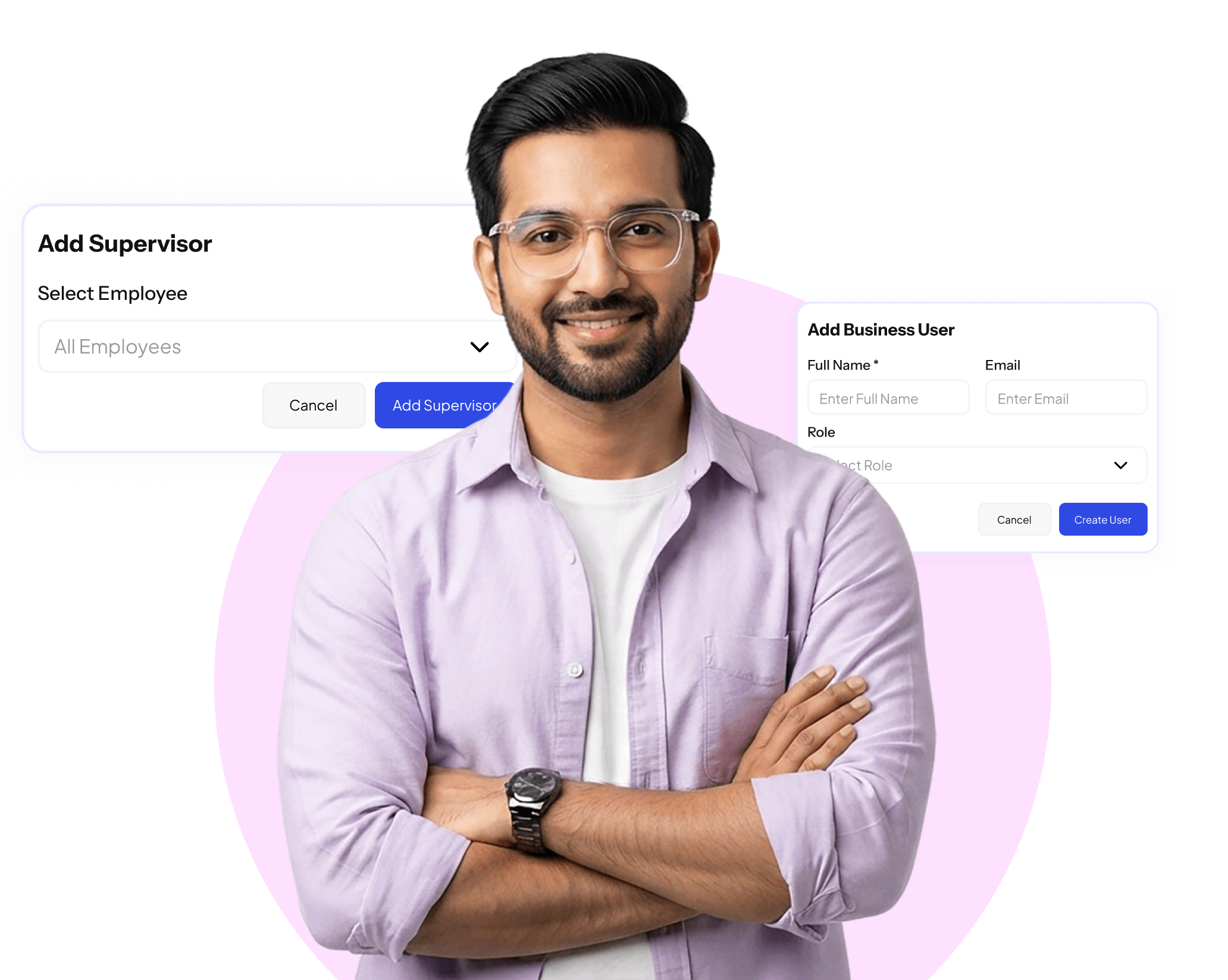
Access That Matches the Hierarchy

Role-Based Permissions
Assign access levels based on role so every user sees and controls only what they should.

Department-Level Controls
Restrict or grant access by department so managers only interact with their own teams.

Instant Access Changes
Update user permissions immediately when roles change, without any IT dependency.
Full Control Over Who Accesses What
Giving everyone the same level of access to a business management platform creates security risks and operational confusion. SuperManage user management allows administrators to define precise access levels for every user based on role, department, and responsibilities.
When an employee changes role or leaves the organisation, access can be updated or revoked instantly. This keeps the system secure, ensures data integrity, and prevents unauthorised changes across any module.
1,30,000+
User Managed
Fully compliant with local labor laws & tax rules.
Every User Has Exactly the Access the Role Requires
Role-based permissions that keep the system secure, maintain data integrity, and ensure every team member works only within their assigned scope.
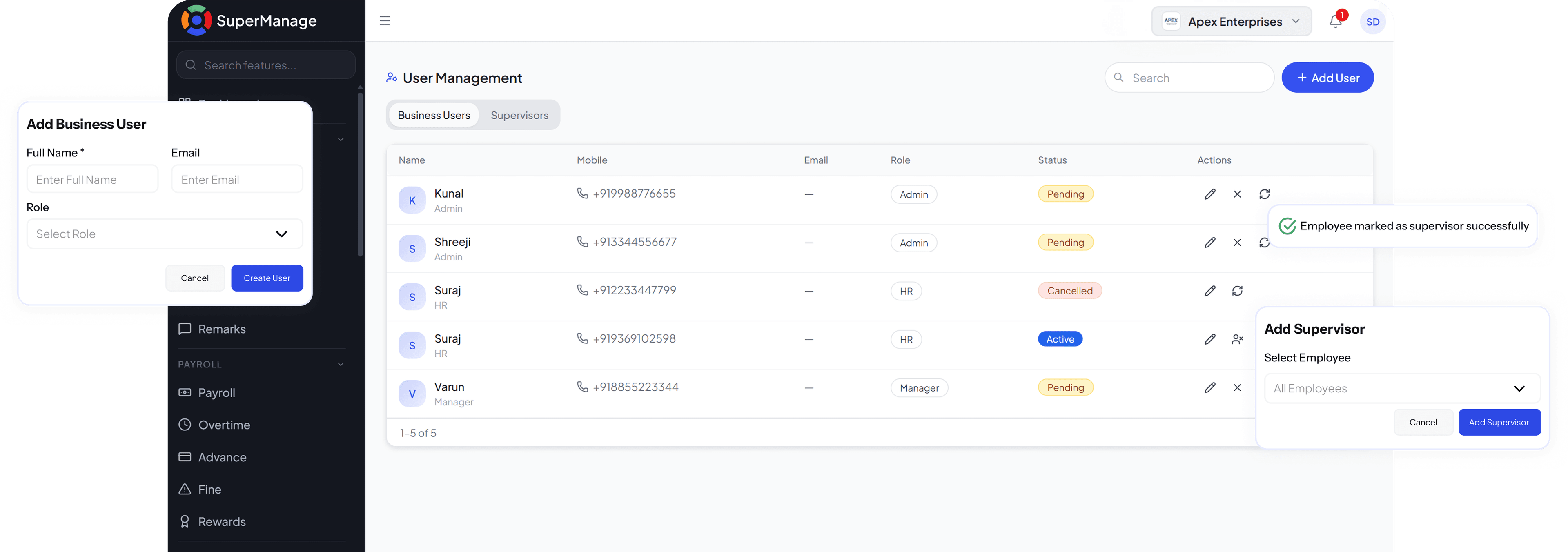
Control That Scales With the Business

Custom Role Creation
Define custom roles beyond standard presets to match the exact hierarchy and structure of the business.

Module-Level Permissions
Grant or restrict access to specific modules such as payroll, attendance, or reports independently.

User Activity Logs
Track what each user has accessed, modified, or exported for complete system accountability.

Instant Deactivation
Deactivate any user account immediately to remove access when an employee exits the organisation.

Permissions that anyone can manage without technical help.
- Update any user's permissions in seconds
- Add or deactivate users with a single action
- Assign roles without needing IT support
- Changes take effect immediately across all modules

Access and Security Control
- Role-based access across every module
- Department-restricted visibility for managers
- Activity logs for every significant user action
- Instant account deactivation on employee exit
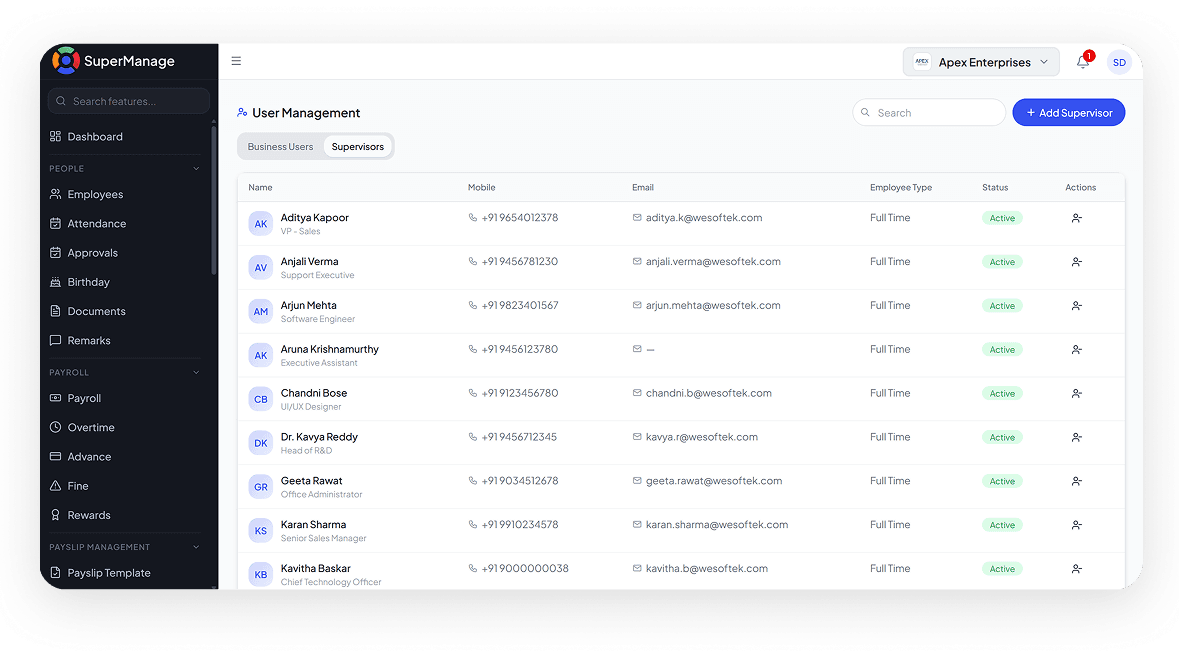
Everything Inside User Management, Explored In Detail
Role-Based Permissions
Assign precise access levels based on role so every user sees and manages only what their position requires.
Explore Role-Based PermissionsDepartment-Level Controls
Restrict manager and HR access to their assigned department so data stays within the right boundaries.
Explore Department-Level ControlsCustom Role Creation
Define roles beyond standard presets to reflect the exact structure and hierarchy of the business.
Explore Custom Role CreationModule-Level Permissions
Grant or restrict access to individual modules independently so users have only what their function demands.
Explore Module-Level PermissionsUser Activity Logs
Every significant action taken within the platform is recorded so there is always a clear audit trail.
Explore User Activity LogsInstant Deactivation
Remove all platform access for any user account immediately when an employee exits the organisation.
Explore Instant DeactivationWho Can Access What Should Never Be An Afterthought
Uncontrolled access creates risks that are difficult to reverse. SuperManage gives administrators precise control over every user permission.
Book a Free Demo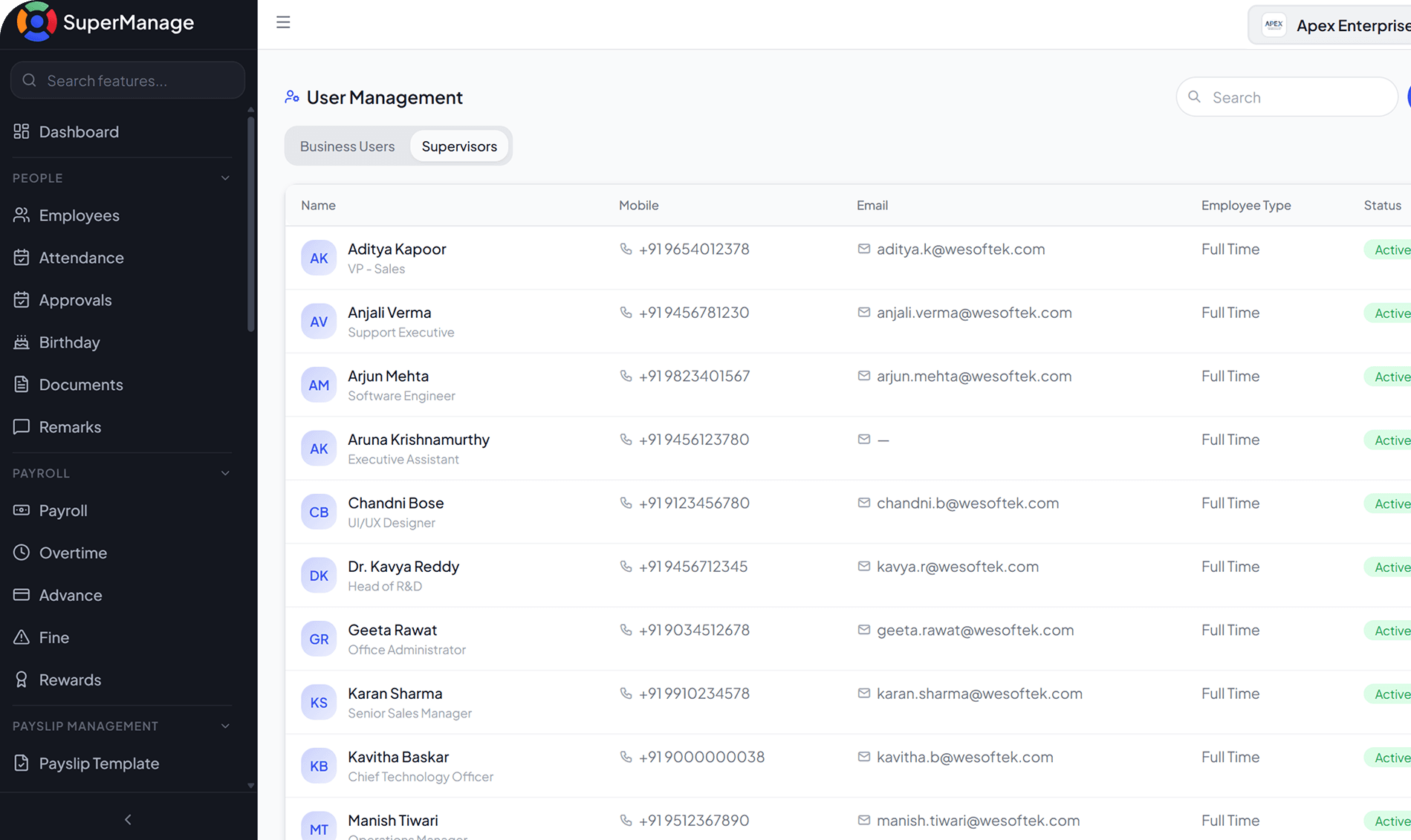
Your User Management Questions, Answered.
Administrators can use preset roles or create custom roles with specific permissions for each module and function within the platform. Custom roles can be configured to reflect any organisational structure.
Yes. Managers and HR users can be given access only to the employees and data within their assigned department. This ensures that sensitive information remains visible only to those who need it.
Their account can be deactivated immediately, removing all access to the platform without deleting any historical data. The deactivation takes effect instantly across all modules.
Yes. Administrators can update any user's permissions directly from within SuperManage without requiring technical assistance. Changes apply immediately with no system restart or delay.
Yes. User activity logs track every significant action taken within the platform, including data access, changes, and exports. These logs are available to administrators at any time.
Yes. Permissions can be set at the module level so a user might have full access to attendance but view-only access to payroll. Each module is configured independently.