
Reach Every Employee With One Message
Send announcements, updates, and alerts to the entire workforce or specific teams instantly through the SuperManage app.
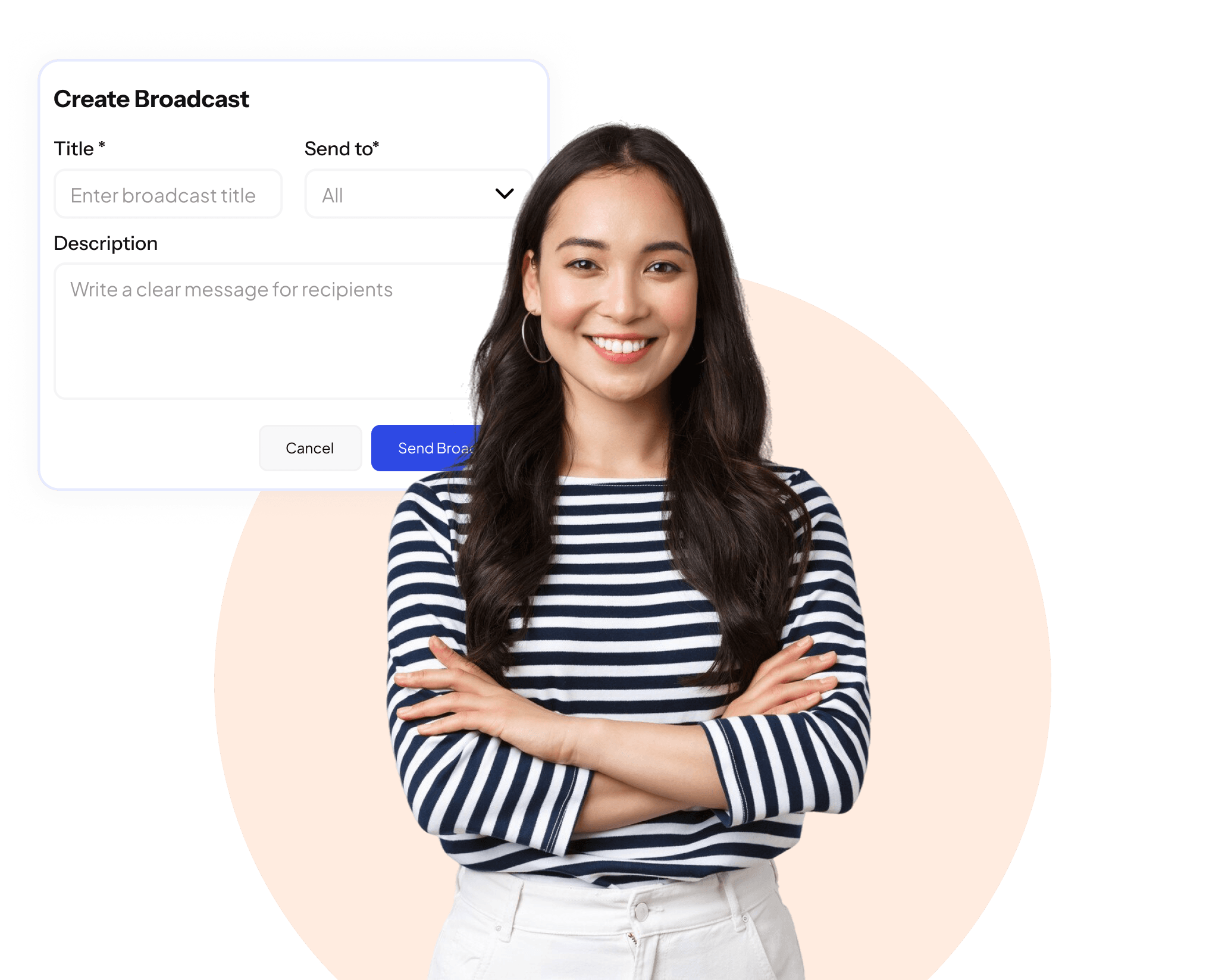
Communication That Reaches Everyone

Instant Announcements
Send messages to all employees or selected groups in seconds directly through the platform.

Targeted Broadcasts
Filter recipients by department, location, role, or any other criteria to reach exactly the right people.

Delivery Confirmation
Track who has received and read each broadcast so communication gaps are always visible.
The Right Message to the Right People at the Right Time.
Important announcements often get lost in cluttered email inboxes or informal chat groups. When critical information needs to reach the entire workforce or a specific team quickly, businesses need a dedicated channel that is reliable, trackable, and built for the workplace. SuperManage Broadcast gives HR and management a direct line to every employee through the app they already use every day.
Whether it is a policy update, a holiday announcement, a safety alert, or a company-wide recognition, messages can be sent instantly to the whole organisation or filtered to specific groups. Delivery and read status is tracked so there is always visibility into who has received the communication and who has not.
45,000+
Broadcast Sent
Instant delivery. Read receipts. Built for the entire workforce.
One Broadcast and the Entire Team is Informed Within Seconds.
A dedicated communication channel built into the platform so important updates always reach the right people.
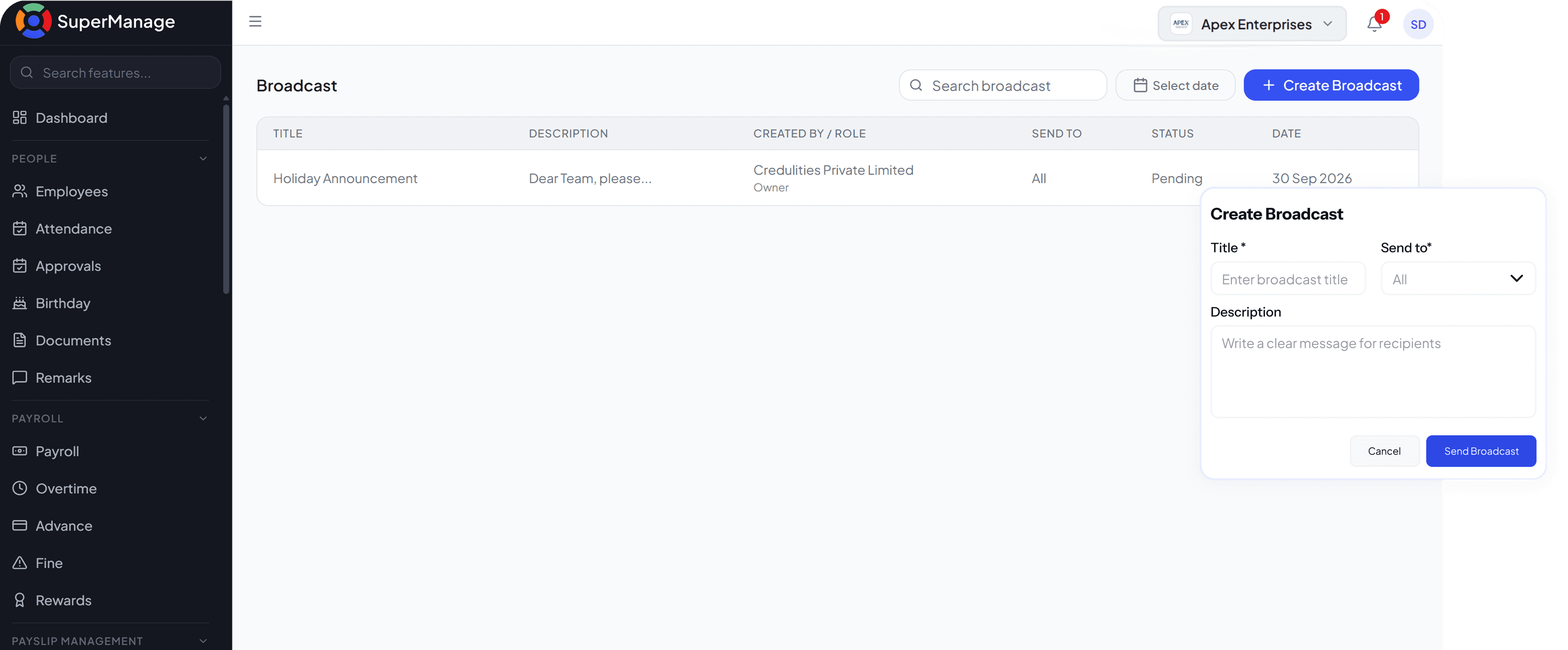
A Direct Line to Every Employee

Multimedia Broadcasts
Send text, images, and attachments so announcements have the context and clarity they need.

Scheduled Messages
Schedule broadcasts in advance to go out at a specific time without needing to be online when they send.

Read Receipts
See which employees have read the broadcast and follow up with those who have not.

Broadcast History
Access a log of all previous broadcasts with their content, recipients, and delivery status.

Simple to Send. Impossible to Miss.
- Send to all employees or a filtered group in seconds
- Works through the app every employee already uses
- Supports text, images, and file attachments
- No separate messaging tool or login required

Access and Delivery Control
- Role-based access so only authorised users can broadcast
- Delivery and read receipts for every message sent
- Schedule messages to send at a future date and time
- Full broadcast history with content, recipients, and status
Everything Inside Broadcast
Instant Announcements
Send messages to all employees or selected groups instantly through the platform.
Explore Instant AnnouncementsTargeted Broadcasts
Filter recipients by department, role, location, or any employee attribute.
Explore Targeted BroadcastsDelivery Confirmation
Track who has received and read each broadcast so no communication gap goes unnoticed.
Explore Delivery ConfirmationMultimedia Broadcasts
Include text, images, and file attachments to give announcements the context they need.
Explore Multimedia BroadcastsScheduled Messages
Write broadcasts in advance and schedule them to send at a specific date and time.
Explore Scheduled MessagesRead Receipts
See exactly who has opened the broadcast and follow up with those who have not.
Explore Read ReceiptsBroadcast History
Access a complete log of all past broadcasts with content, recipients, and delivery status.
Explore Broadcast HistoryImportant Messages Should Not Rely on Someone Forwarding an Email
A direct channel to every employee. No email chains, no group chats, just one message that reaches everyone.
Book a Free Demo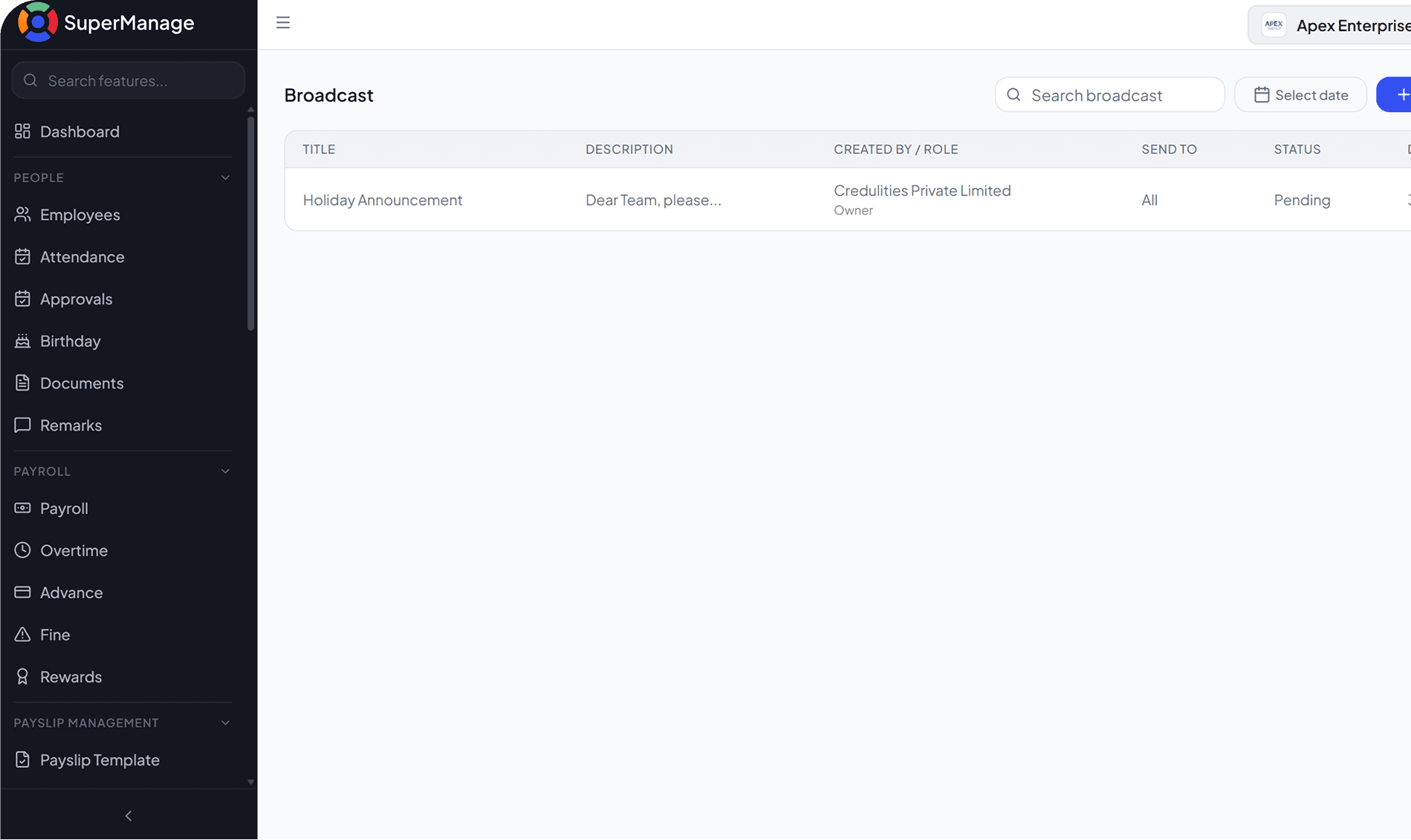
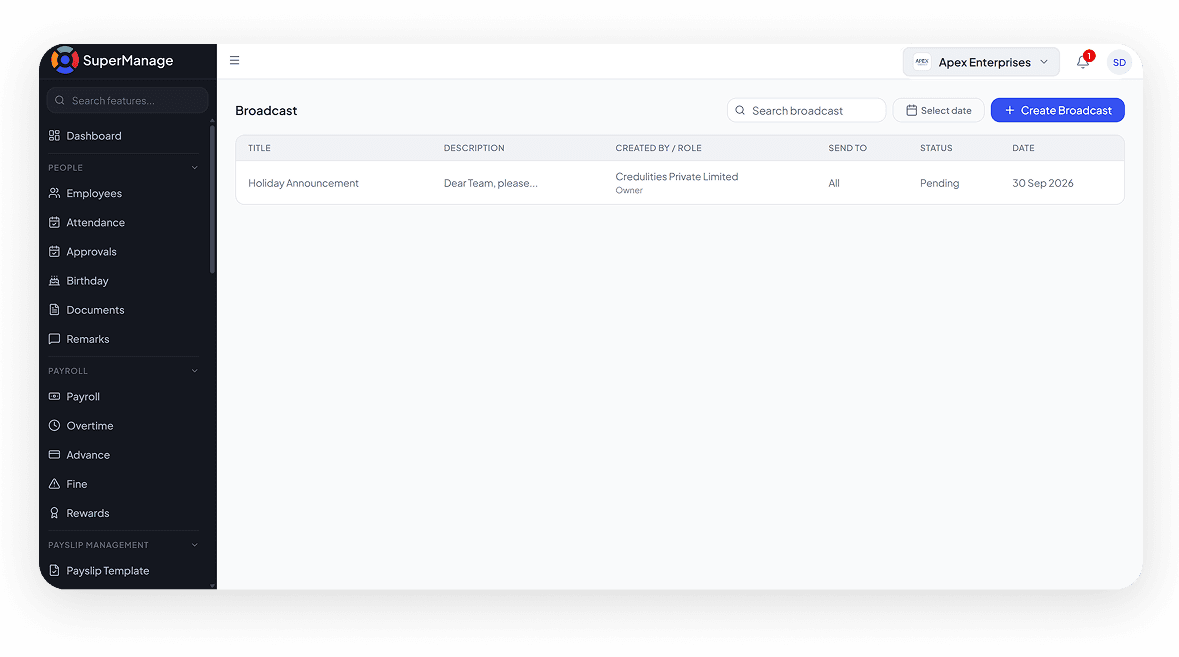
Your Broadcast Questions, Answered.
Broadcast access can be configured by role so only HR, management, or designated administrators can send company-wide or group messages.
Yes. Recipients can be filtered by department, location, role, or any other employee attribute to target the right audience.
Yes. Delivery and read receipts are available for every broadcast so the sender can see who has received and opened the message.
Yes. Broadcasts support text, images, and file attachments so announcements can include any supporting materials.
Yes. Messages can be written and scheduled to go out at a future date and time without requiring manual sending.
Yes. A full log of all broadcasts including content, recipients, send time, and read status is maintained and accessible to administrators.