
Every Employee Document Stored, Organised, And Accessible
From offer letters to ID proofs, all employee documents live in one secure place, ready whenever they are needed
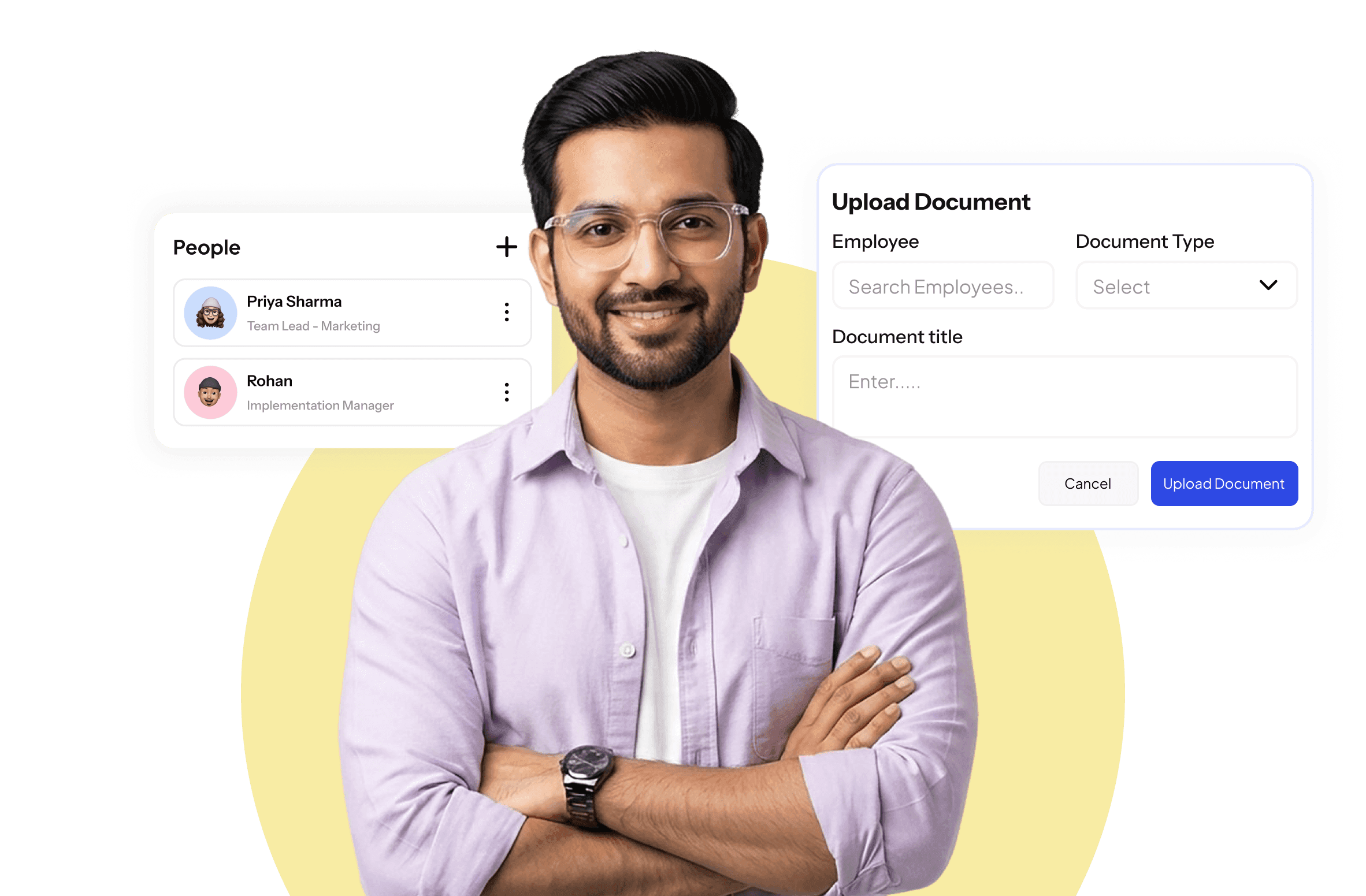
Documents That Are Always In Order

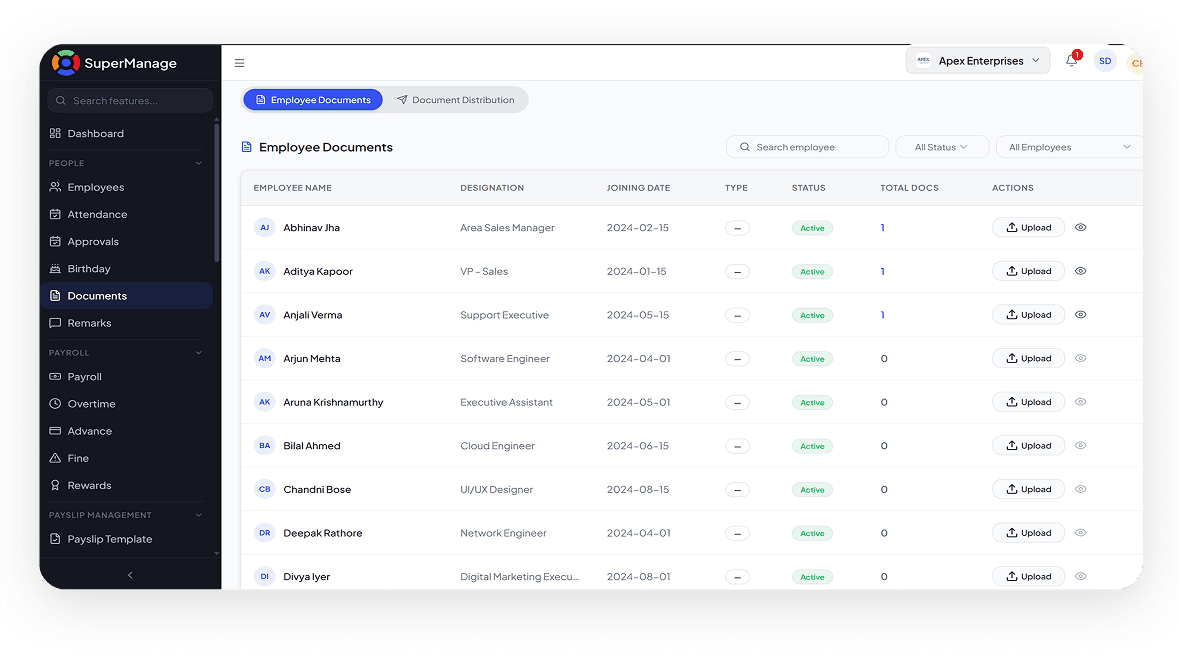
Centralised Document Storage
All employee documents stored in one place, linked directly to each employee profile.

Expiry Alerts
Get notified before important documents like visas or certifications expire so nothing lapses unnoticed.

Employee Self-Upload
Employees can upload their own documents through the app, reducing the HR team's administrative workload.
No More Lost Files. No More Missing Documents.
Chasing employee documents at the last minute, whether for an audit, a compliance check, or a simple HR request, is one of the most avoidable time drains in any organisation. When documents are scattered across email inboxes, physical files, and shared drives, retrieval becomes a task in itself. SuperManage stores every document against the employee it belongs to, making retrieval instant and organisation automatic.
The system also tracks document validity so the HR team is alerted before anything expires. Whether it is a professional certification, a government-issued ID, or a signed policy acknowledgement, every document has a clear home and a clear status within the system.
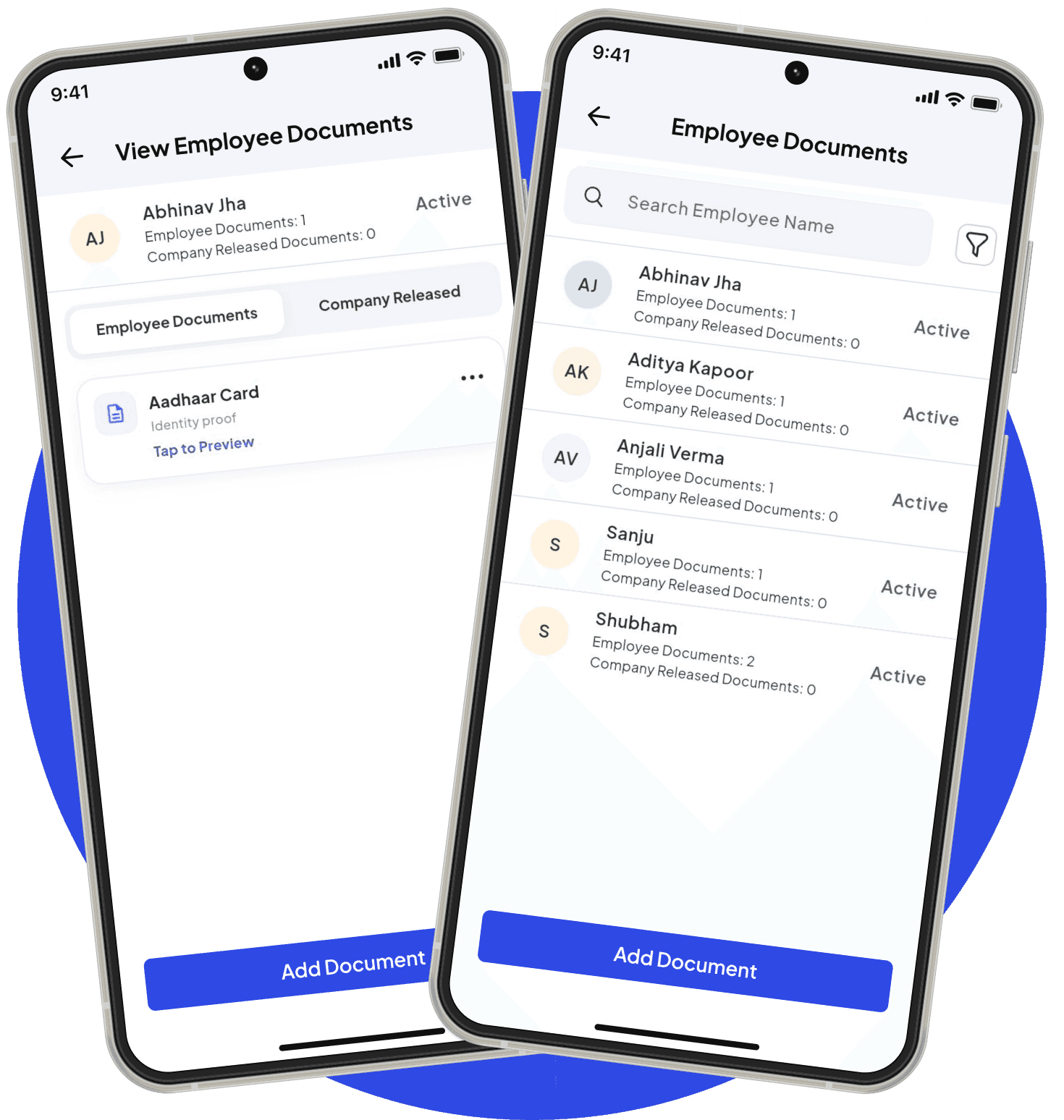
Every Document Where It Belongs,
Accessible In Seconds.
A structured document system that keeps employee files organised, secure, and always ready for review.
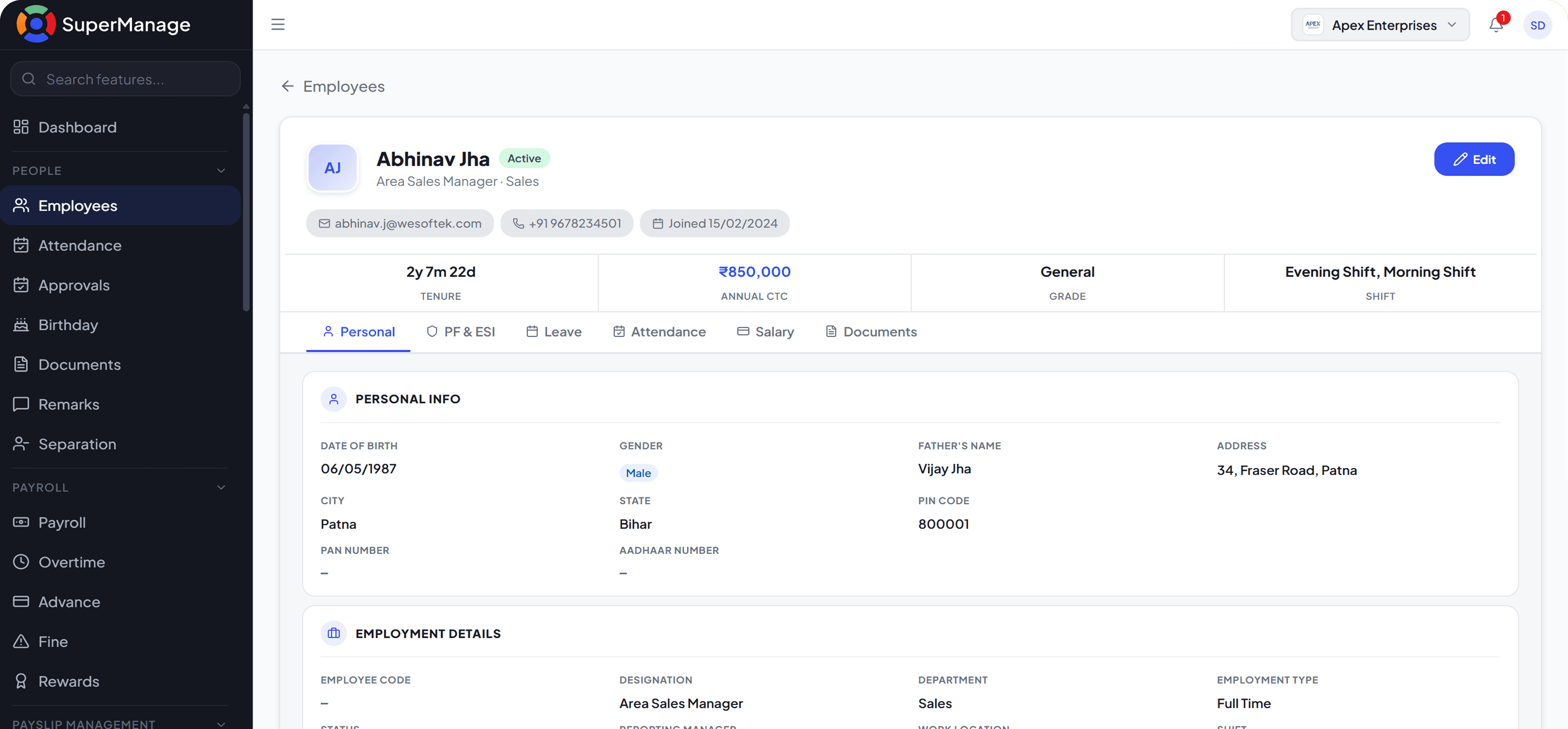
Documents That Work As Hard As The Team

Centralised Employee Document Storage
All employee documents stored digitally against individual profiles. No physical files, no scattered folders, no missing records.
- Upload documents directly to employee profiles
- Organised storage with clear categorisation
- Accessible from anywhere without physical retrieval

Document Upload, Categorisation, and Verification
Documents are filed under defined categories and can be reviewed and verified by HR. Keeps records clean and audit-ready.
- Upload identity, contract, and certification documents
- Categorise by document type for easy retrieval
- HR marks documents as verified with a clear status flag

Expiry Tracking and Renewal Reminders
Time-bound documents like contracts and certifications are tracked for expiry. Automated alerts ensure renewals never get missed.
- Set expiry dates on relevant documents at upload
- Automated reminders triggered before expiry
- Prevents lapsed documents from going unnoticed

Controlled Access for HR and Admins
Sensitive documents are protected with role-based access. Only authorised users can view or download employee records.
- Define who can access which document categories
- Employees can view only their own documents
- Admin and HR have controlled access based on role
Stop Searching For Documents At The Wrong Moment
The time spent tracking down employee documents adds up significantly across a year. SuperManage keeps every document where it belongs so retrieval takes seconds instead of hours.
Book free Demo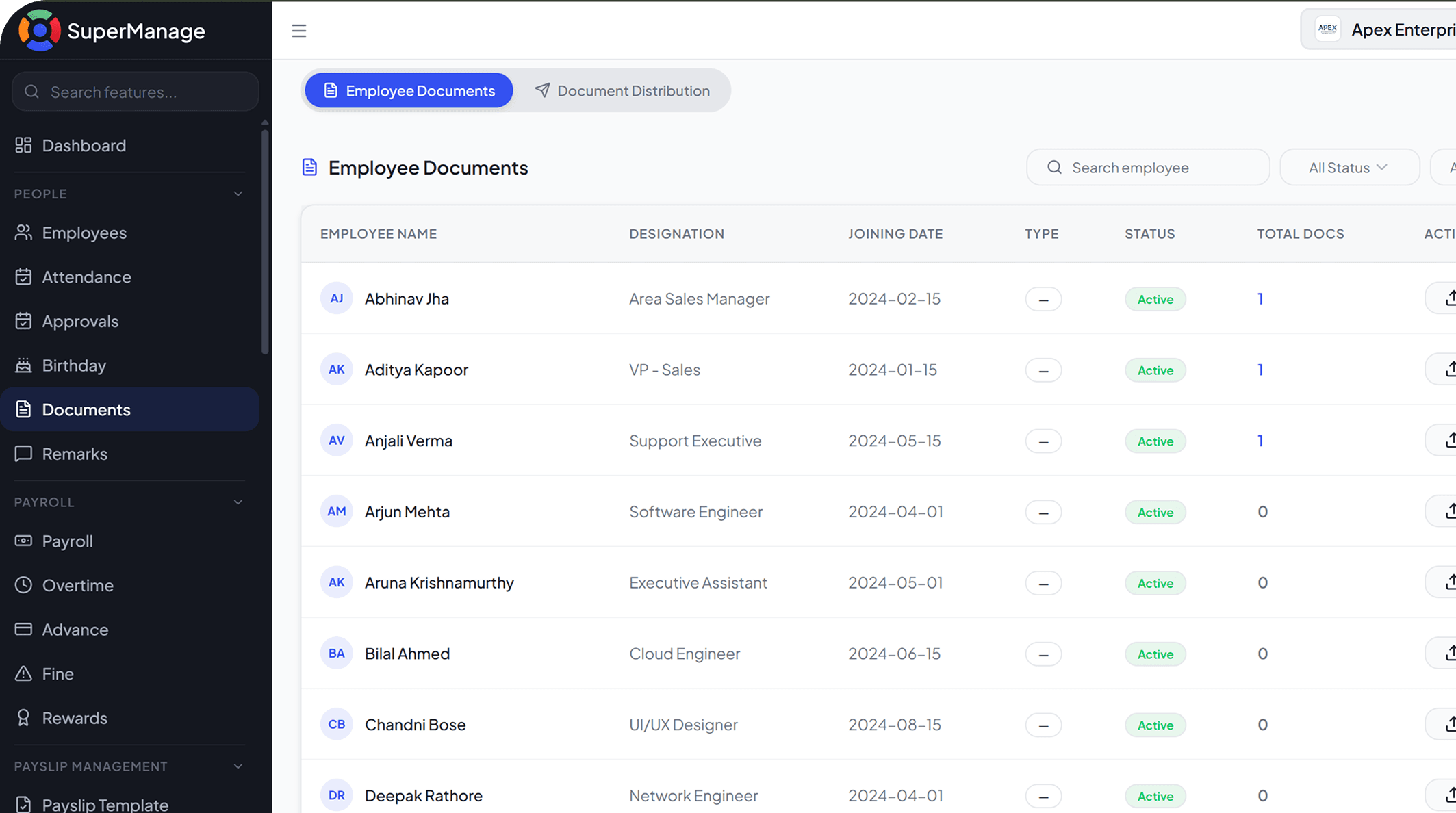
Frequently Asked Questions
Any document type can be stored including offer letters, ID proofs, contracts, certificates, policy acknowledgements, and compliance documents.
Yes. Employees can upload required documents directly through the SuperManage app, reducing the time HR spends collecting them manually.
Yes. Expiry dates can be set for documents like certifications or visas, and the system sends alerts before they lapse.
Access is controlled by role-based permissions. Sensitive documents can be restricted to HR and senior management only.
Yes. Every time a document is uploaded, accessed, or modified, the action is logged with the date and the user responsible.
Authorised users can download or share documents directly from within SuperManage based on their access level.