
Recognize Performance and Leave Meaningful Feedback in One Place
Give employees the recognition they deserve and keep a structured record of remarks - all from the admin panel with every action logged.
Everything You Need to Reward and Give Feedback
Instant Reward Disbursement
Add rewards directly to an employee's record with a reason and amount in one action.
Structured Remarks
Log positive or negative remarks against an employee with context and date.
Full Audit Trail
Every reward and remark is timestamped and stored against the employee profile permanently.
How SuperManage Simplifies Rewards & Remarks
Managing employee recognition and feedback verbally or through spreadsheets creates inconsistency and lost records. SuperManage gives admins a structured way to log rewards and remarks directly against employee profiles, with every entry dated, searchable, and always accessible.
Every Reward and Remark, Logged Against the Right Employee.
Admins can add rewards and remarks from the employee panel in seconds - no paperwork, no separate tools, no lost records.
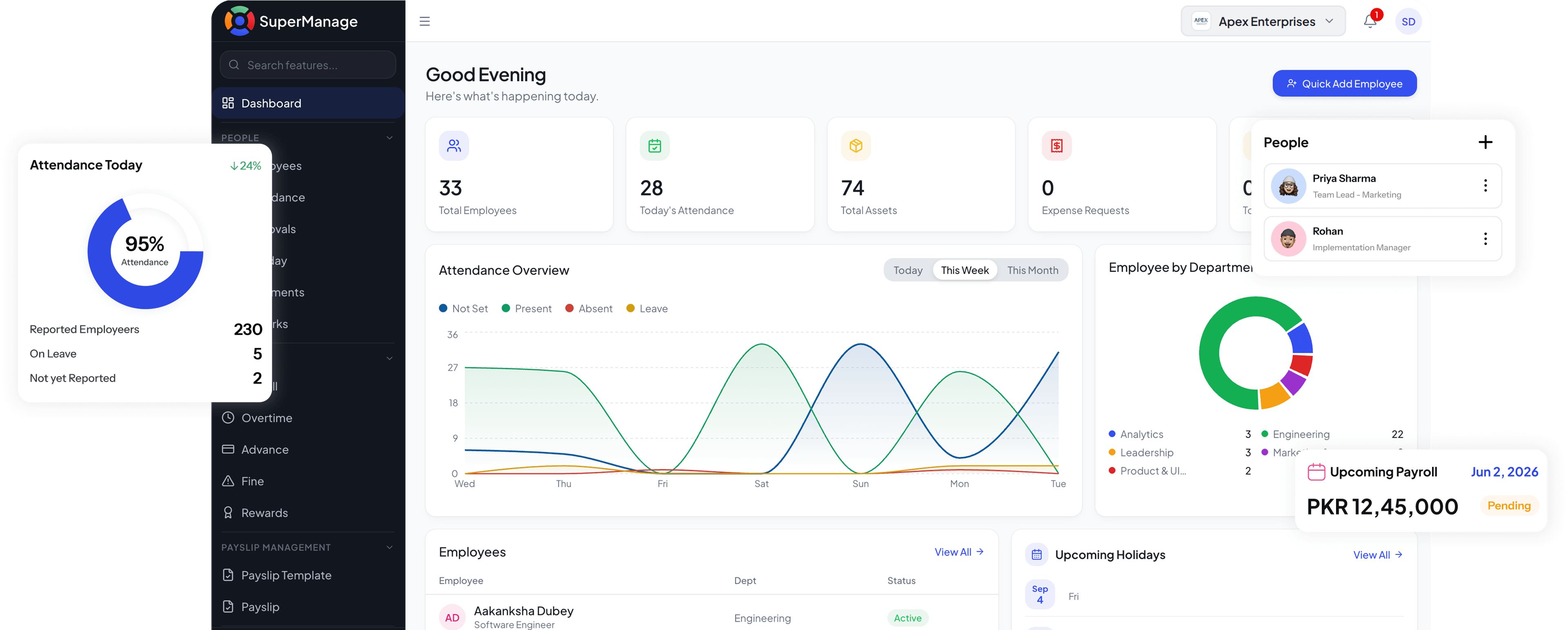
Built to Keep Recognition and Feedback Organized
Reward Management
Add one-time or recurring rewards to employee records with a reason and custom amount.
- Add rewards with custom amounts and reasons
- Rewards linked directly to the employee profile
Remarks Management
Log structured remarks - positive or negative - against any employee with full context.
- Add positive or negative remarks
- Every remark is dated and stored permanently
Employee History
View a complete timeline of rewards and remarks for any employee at any time.
- Full reward and remark history per employee
- Searchable and filterable records
Admin Control
Only authorized admins can add, edit, or remove rewards and remarks.
- Permission-based access for admins
- Every action logged with admin identity
Stop Managing Recognition and Feedback Without a System
SuperManage gives every reward and remark a proper record - logged by the admin, stored against the employee, and always available for review.
Book a Free Demo
Your Rewards & Remarks Questions, Answered.
Only admins with the appropriate permissions can add, edit, or remove rewards and remarks.
Yes, rewards can be linked to payroll and reflected in the employee's pay cycle.
Yes, admins can edit or remove a remark at any time.
Yes, employees can view their reward and remark history from their profile.
Yes, a reason must be provided when adding a reward to maintain a clear record.
Yes, admins can log both positive and negative remarks depending on the situation.